Daily Budget & Personal Expense Tracker
Simple and intuitive expense organizer to manage recurring bills, daily outlays, and budget goals.
Engineered for everyday excellence
Intuitive and easy-to-use interface tailored for mobile productivity
Engineered for smooth, high-fidelity operations without unnecessary complexity.
Fast response times with zero unnecessary background battery drain
Engineered for smooth, high-fidelity operations without unnecessary complexity.
Local on-device processing prioritizing privacy and data integrity
Engineered for smooth, high-fidelity operations without unnecessary complexity.
Regular updates conforming to latest Android SDK and Google Play guidelines
Engineered for smooth, high-fidelity operations without unnecessary complexity.
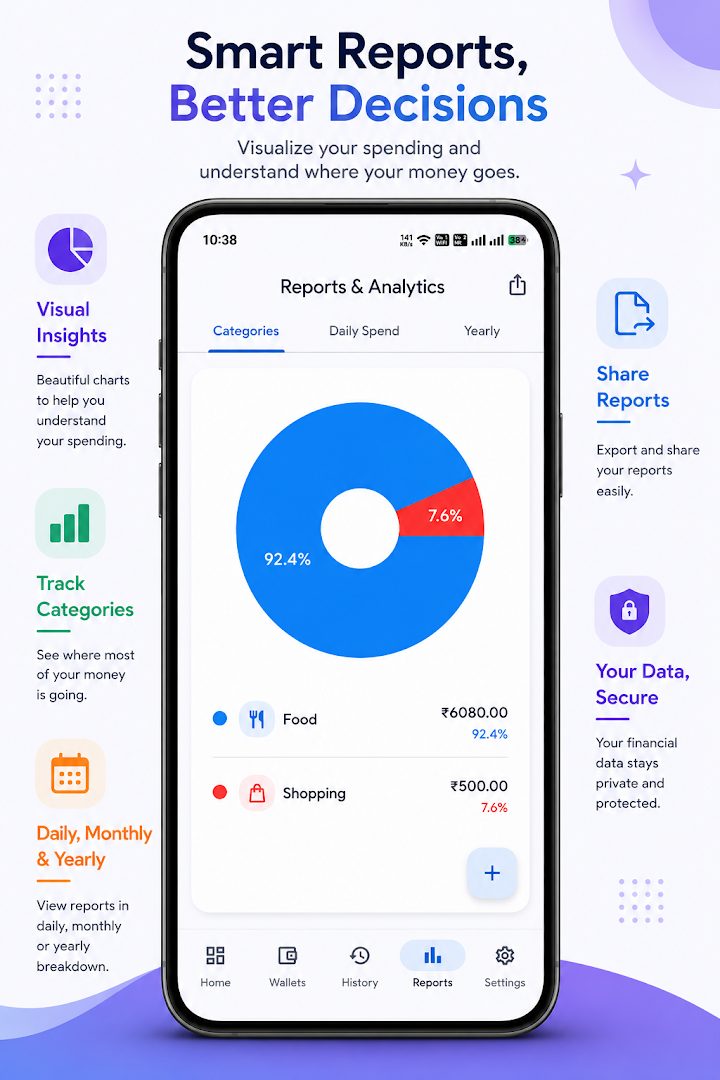
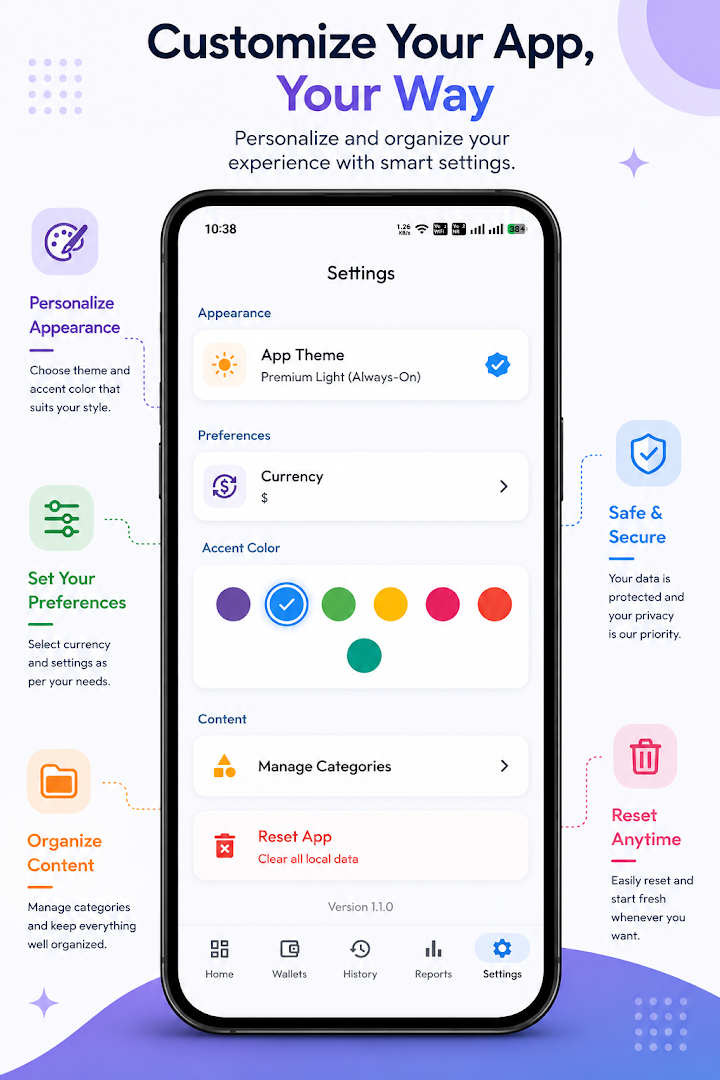
Experience Expense Checklist in action
Explore authentic high-resolution screenshots of Expense Checklist
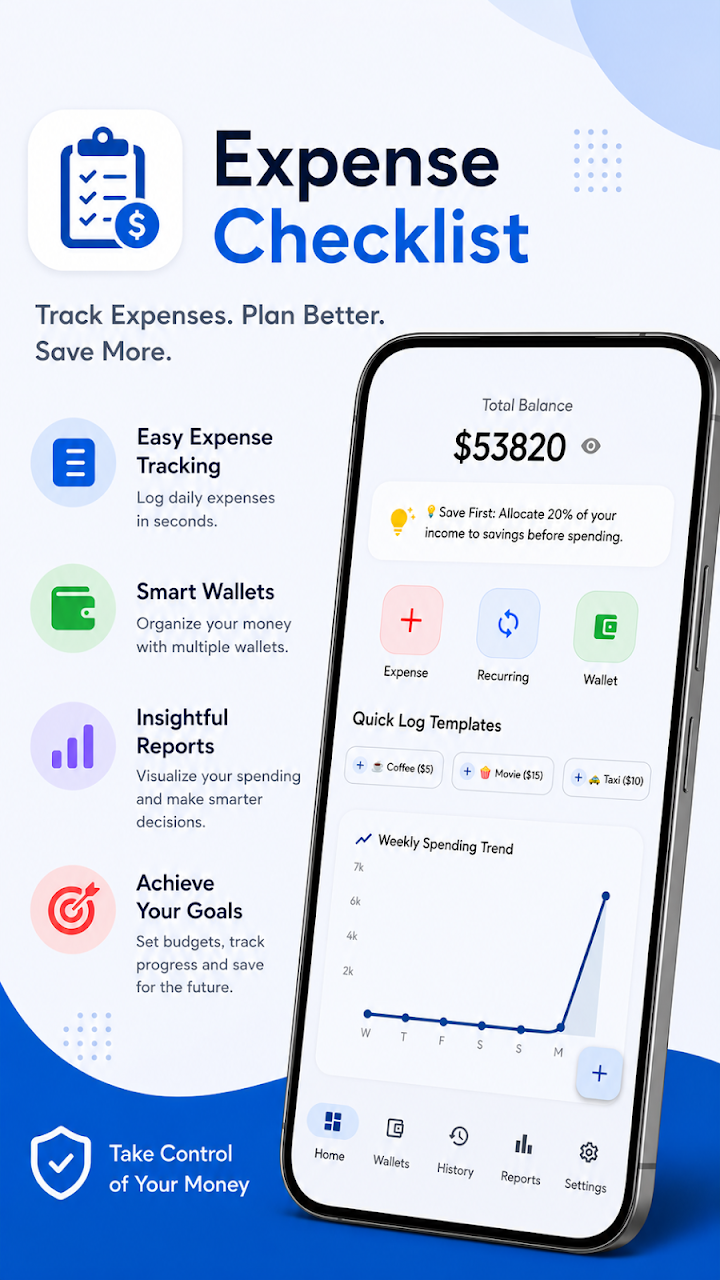
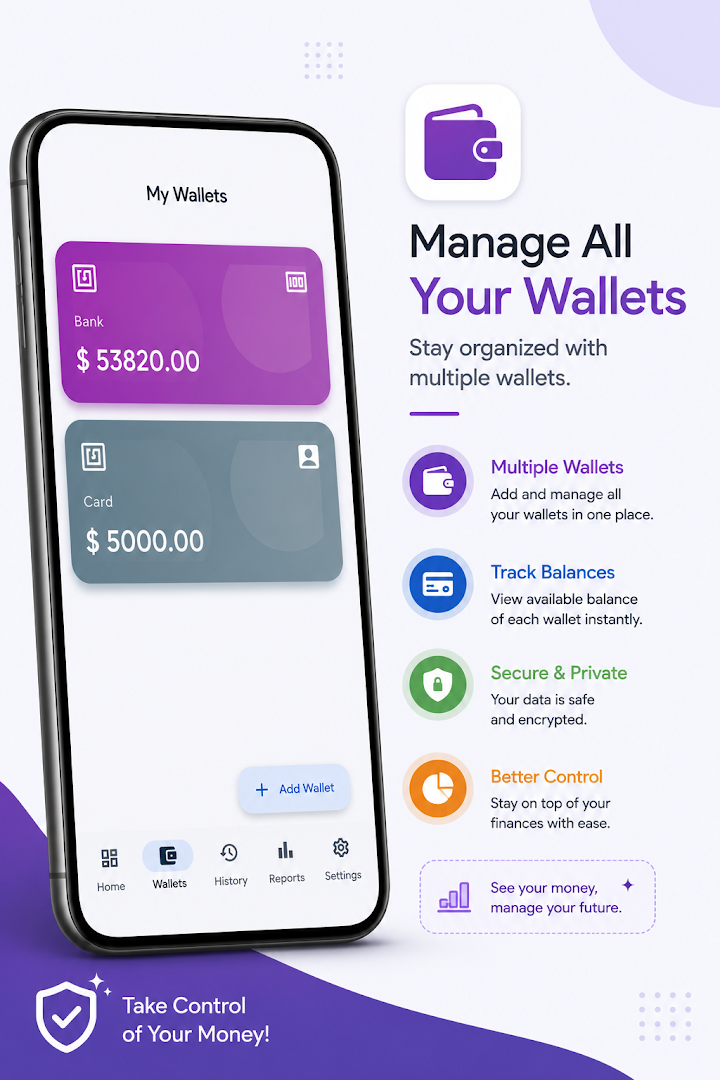
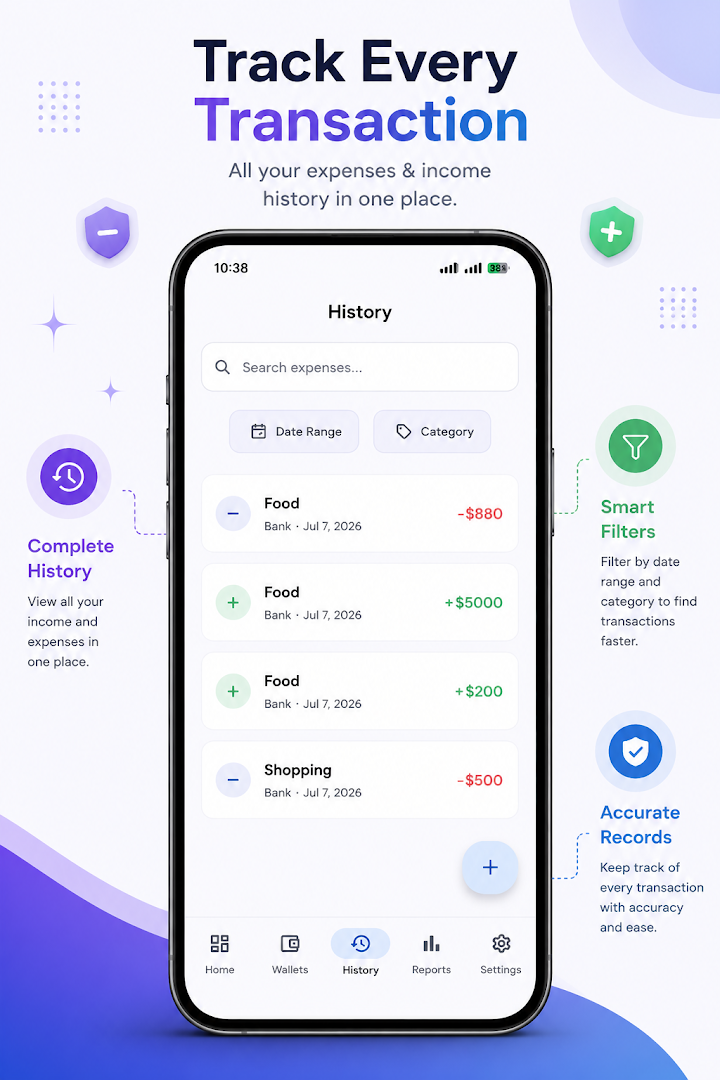
About Expense Checklist
Overview & Design Philosophy
Expense Checklist by Publixa is crafted to deliver exceptional utility, maximum convenience, and uncompromising privacy. Built adhering strictly to Google Play developer standards, Expense Checklist ensures reliable performance with clear offline boundaries.
Developed by Prince Kumar Singh under the Publixa brand, this application adheres to our privacy-first engineering philosophy. We ensure that personal files, user-generated content, and device sensors remain strictly localized to your hardware.
Technical Specifications
Dedicated Privacy Policy & Data Deletion
Inspect specific Android manifest permissions for Expense Checklist or submit a permanent data purge request directly through our compliance desk.